The keyword ranking report your CEO will read
A table of positions is not a report. Lead with the number the business tracks, group the movement into four buckets, explain the three rows that caused it, and say what happens next. One page, every week.
What should a keyword ranking report show?
The number the business already cares about, first, then rankings as the explanation for it. Most ranking reports do this backwards. They open with a table of keywords and positions, sometimes with green and red arrows, and leave the reader to work out whether anything in it matters. The reader is usually someone who does not do SEO, has ten minutes, and needs to decide whether to keep paying for this. A table does not help them decide.
Grant Simmons, who ran search at Homes.com and now works with Fiat Growth, drew the line when we were talking about a well-liked Search Console tool:
it's still not reporting. It's insights.
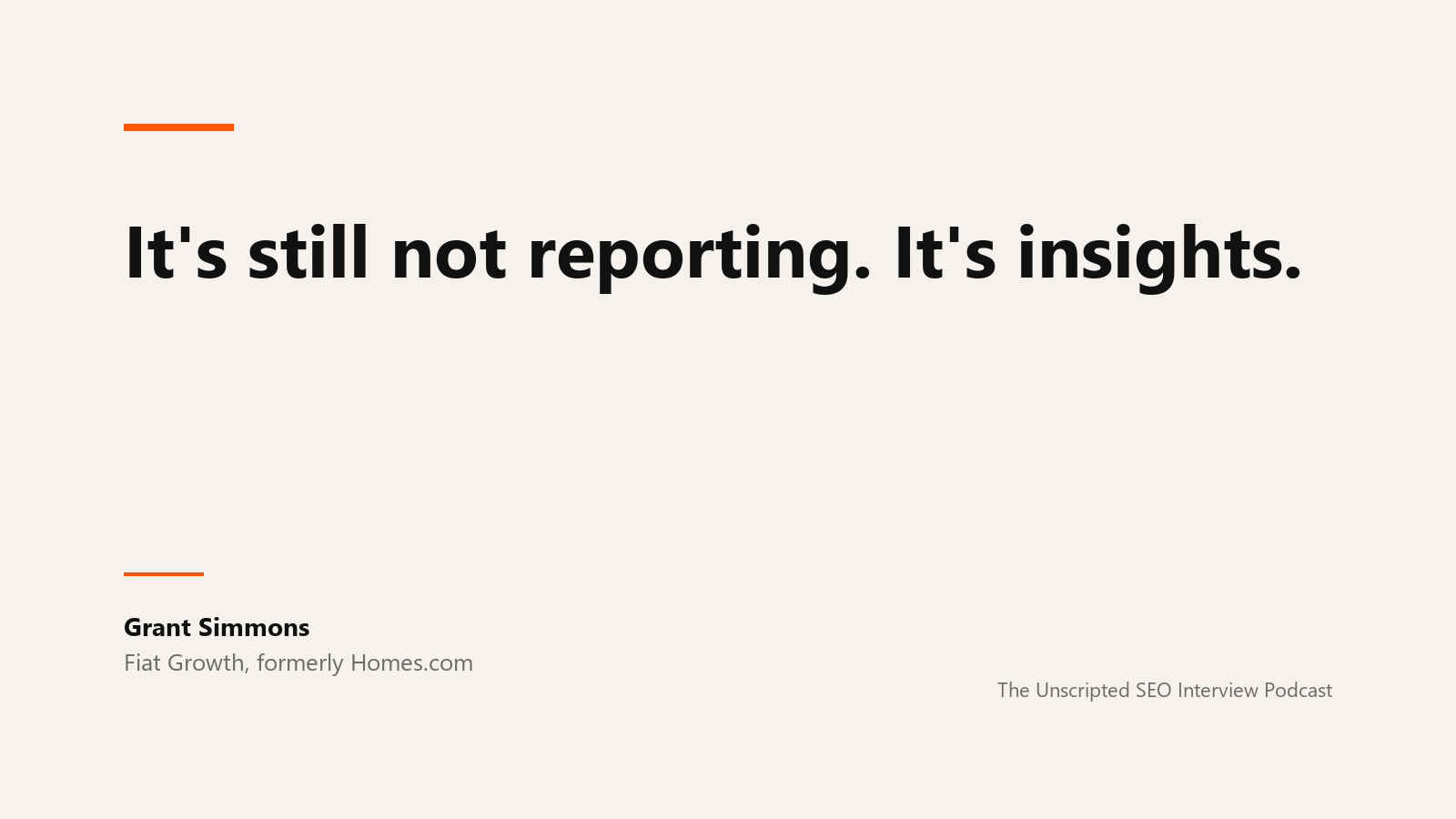
Insights are what a tool gives you. A report is what you give someone who has to make a decision with it. His full conversation on measurement is on the Unscripted SEO podcast. The structure below is built to be the second thing.
The structure
1. One number, and what it did
Open with the metric the business tracks, for the pages the tracker covers, against the previous period. Clicks from Search Console if that is what you have; leads or revenue on those pages if analytics is connected. One sentence: "Organic clicks on the twelve service pages we track were 1,240 this month, up from 980." That sentence is the report. Everything after it is support.
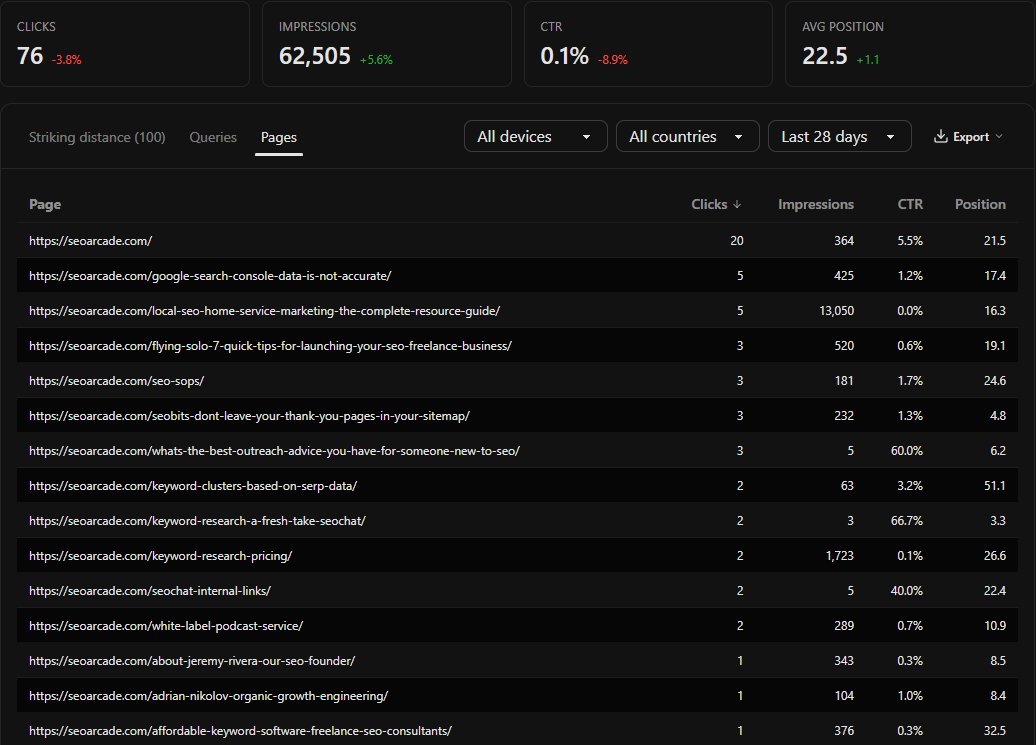
Do not open with average position across all tracked keywords. It is a mean of unrelated things, it moves when you add a keyword, and nobody outside SEO knows whether 11.4 is good.
2. Movement in four buckets
Rankings come next, as counts rather than rows. Of the keywords tracked this period:
- how many entered the top three
- how many entered page one
- how many dropped off page one
- how many did not move
Label the comparison period next to these counts. The OpenSEO MCP currently compares ranks against a seven-day baseline, falling back to the earliest available snapshot when history is sparse. In a monthly report, present this as the latest weekly movement alongside the monthly click totals. It is not a month-over-month ranking comparison.
3. The three rows that explain the number
Now the table, cut to three rows: the biggest gain, the biggest loss, and the row where the position held but the clicks changed. Show keyword, position, previous position, ranking URL, and what is on the page.
The third row is the one that earns the report its credibility. When a term holds position 4 and loses half its clicks, the reason is almost always something Google put above it: an AI overview, a local pack, a video block. A tracker that records SERP features shows it in a column, and a report that names it turns "clicks fell, not sure why" into "clicks fell because Google added an answer box, and here is what we do about it".
4. Brand and non-brand, separately
Split the tracked list and the clicks into brand and non-brand before you draw any conclusion. Brand terms rise when the company does marketing of any kind, and a report that counts them as SEO wins will get found out at the first hard question. Charlie Birch, founder of Humanize Collective, on what the number is supposed to be for:
the result that you ultimately want is not search volume, it's conversion and retention
The non-brand line is the one SEO can claim. Report it on its own, even when it is the smaller number. Especially then. Expect the query rows to add up to less than the page total: Search Console withholds a share of queries for privacy, so some clicks on every page belong to queries you will never see. Say so in a footnote rather than letting the reader find the gap. The Dark Query Problem covers how large that share is and how to read around it. Her episode is here.
5. AI answers, with the caveat attached
If you report visibility in AI assistants, say what the number is. Brittany Trafis, founder of Soarion Digital, on the tools that monitor it:
It is a monitoring tool. It is directional. do not think this data is Google Search Console level data. It is nowhere close
Put the row in, label it directional, and do not let it sit next to the click count as if it were the same kind of fact. Her episode on treating AI search as its own channel is on the podcast.
6. What we did, what we will do
Two short lists. The work that shipped this period, and the work planned for next, each tied to a row in section 3 or a bucket in section 2. This is the section that gets the budget renewed, because it connects the numbers to decisions someone made.
What to leave out
The full keyword table goes in an attachment, not the body. Anyone who wants it can open it; putting it in front of the reader costs the attention you need for section 1.
Year-on-year comparisons need a warning label now. Google's results pages changed enough between 2024 and 2026 that a query's clicks last year and this year are often not the same kind of number, because the page they came from had a different shape. Compare periods, name what changed on the SERP in between, and resist the chart that makes it look continuous.
And leave out any score you cannot explain in a sentence. A "visibility index" invites a conversation about how it is calculated instead of a conversation about what to do.
Run this with the OpenSEO MCP
Connect Search Console to the project and the OpenSEO MCP to your assistant. The tracker read and the Search Console read use no credits, so the report itself is free to produce once the tracker has run.
Using the OpenSEO MCP on project [name], write this month's ranking
report for [company].

1. Call get_rank_tracker to list trackers, then read the relevant
   ones with trackerId. Pull every tracked keyword with position,
   previous position, and ranking URL. Label this section "Latest
   weekly ranking movement": the comparison uses a seven-day
   baseline, with an earliest-available fallback for sparse history.
   Do not present it as monthly movement or assume a full week of
   history when that is not established.

2. Pull Search Console performance for the last 28 days and the 28
   days before, by page, filtered to the URLs from step 1. Give me
   total clicks for both periods. That is the first sentence.

3. Bucket the keywords: entered top 3, entered page 1, left page 1,
   unchanged. Four counts.

4. Show me three rows: the largest position gain, the largest loss,
   and the keyword where position moved by 2 or less but Search
   Console clicks on its URL changed by more than 30%. Include SERP
   features for that third row.

5. Pull Search Console query data for the same two 28-day periods,
   filtered to the same URLs from step 1. Split reported queries into
   brand (containing "[brand]") and non-brand. Report non-brand clicks
   separately. Note that query totals can omit anonymized queries
   and differ from page totals.

6. Do not compute an average position across keywords. Do not
   invent a score. Put the full table in a separate block at the end.
Step 4 is the only step that needs judgement, and the prompt hands it a rule instead. Adjust the thresholds to your site, but keep the rule written down so the report is consistent month to month.
A report is a request for a decision
Every ranking report is asking the reader to do something: keep funding this, approve that fix, accept that a term is lost. Write it so the request is visible in the first sentence and supported by the fourth section, and the tracker underneath it becomes the most useful thing in your stack rather than the most ignored. If you have not built the tracker yet, which keywords to track is where to start.
Ranking report FAQ
What should an SEO ranking report include?
The business metric for the tracked pages against the prior period, ranking movement as four counts (entered top 3, entered page 1, left page 1, unchanged), the three rows that explain the movement with SERP features noted, a brand and non-brand split, and a short list of work done and planned. The full keyword table goes in an attachment.
How often should I send a ranking report?
Monthly for most businesses, weekly if a launch or migration is in progress. The tracker can check daily; the report should not, because week-to-week ranking noise is real and reporting it trains the reader to ignore the report.
Should a ranking report show average position?
Not across all keywords. It is a mean of unrelated queries, changes whenever the list changes, and means nothing to a non-SEO reader. Report positions per keyword for the few rows that matter and movement counts for the rest.
How do I explain a ranking drop to a client or manager?
Name the keyword, the previous and current position, the URL, and what is now on the results page, then say what you are doing about it. If the position held and clicks fell, show the SERP feature that took the click. A drop with a cause and a plan is a normal report; a drop with neither is a problem.
Can OpenSEO generate a ranking report?
It provides the pieces: tracked positions with previous positions and SERP features, Search Console clicks by page and query at no credit cost, and an MCP so an assistant can assemble the report from a prompt like the one above. It does not produce a composite score, on purpose.
Run this strategy in OpenSEO
Run the MCP prompt in this guide with OpenSEO. OpenSEO is open source, free to try, and does not require a credit card.
